

Automation references from finance and sales
Selected case studies for process automation: from accounts payable with OCR to lead routing into the CRM —plus API integration —delivered in East Frisia, Made in Germany.
What we automate
From idea to reliable operations
Every project starts with measurable friction: manual capture, scattered inboxes, or broken hand-offs between channels and CRM. We connect systems with clear interfaces, queues, and observability—so automation holds up in daily operations, not only in slides.
Whether Make workflows, API-first, or classic RPA: our RPA vs. API integration comparison and automation services overview help you pick the right approach for your landscape.

Typical automation patterns from our references
The visuals show how we structure use cases and integration chains—from process analysis and process automation ROI to production operations with monitoring.
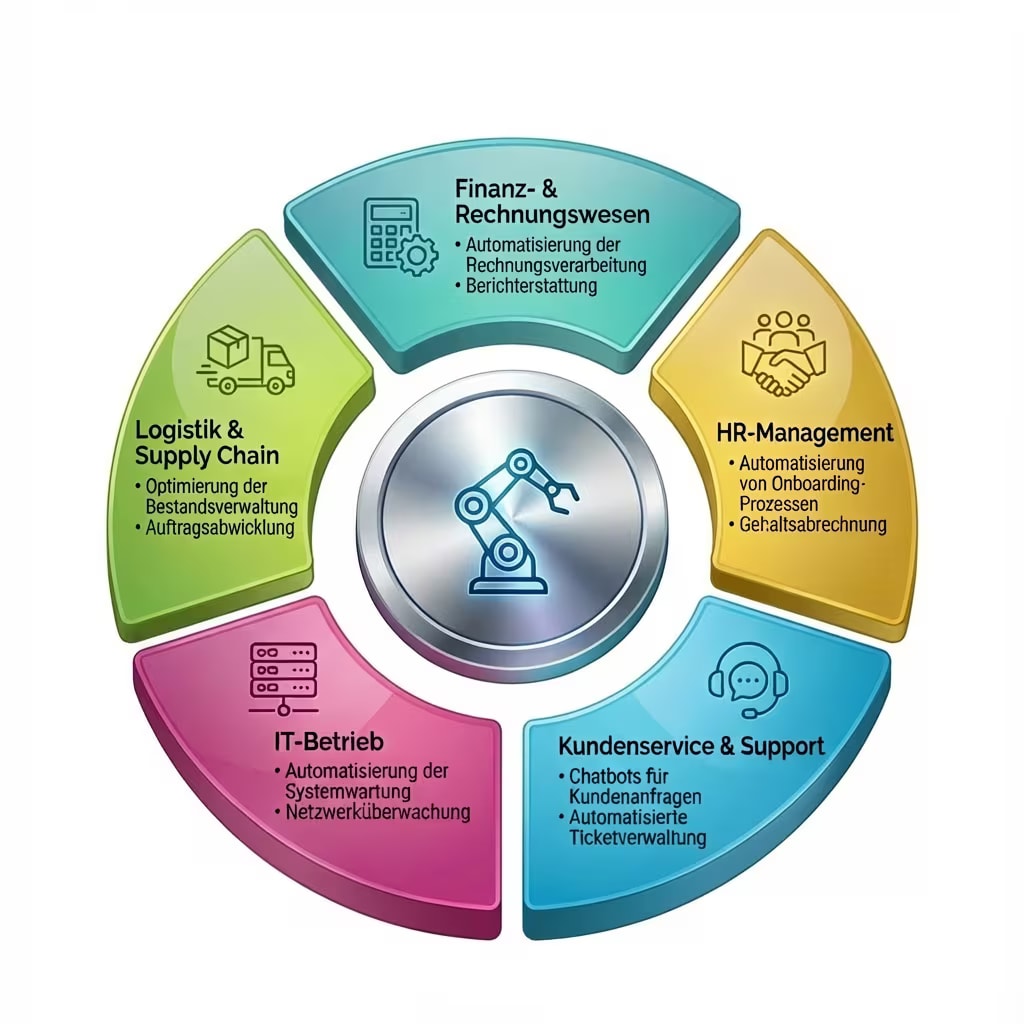
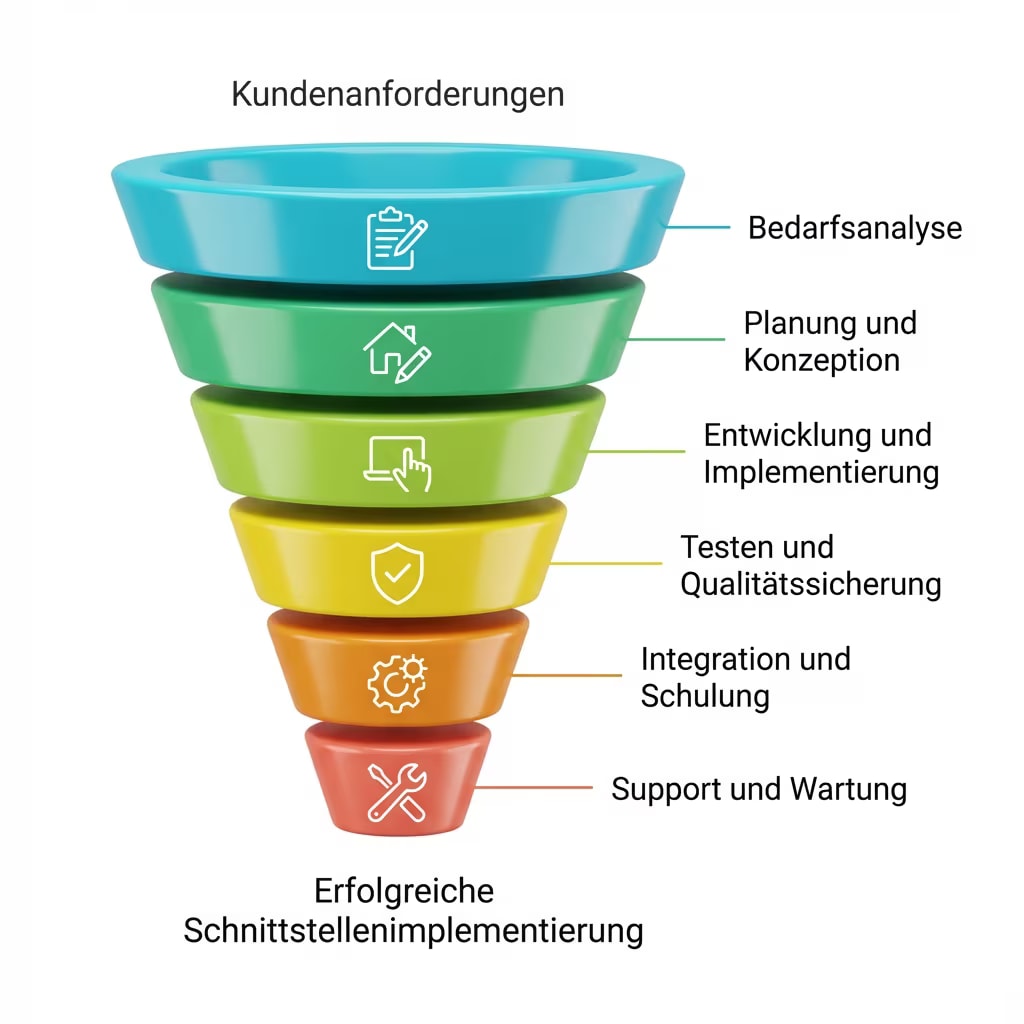
Also see the RPA ROI calculator, AI references for intelligent classification, and the project check for an initial assessment of your use case.
Why process automation must be measurable and auditable today
Executive answer: If accounts payable and lead handling are not automated cleanly, you lose time, transparency, and auditability. Our reference projects show how recurring steps fit into daily operations through workflows, queues, and clear ERP or CRM integration—designed and supported from Leer in East Frisia, Made in Germany.
Typical friction before automation
Mid-sized teams often hit the same walls: inboxes full of PDF invoices that are typed into the ERP by hand, sales leads from web forms, trade-show imports, or partner channels in inconsistent formats—and Excel or email silos between finance, procurement, and sales without a central trail for audits or year-end close.
The impact goes beyond extra hours: error rates rise, CRM duplicates accumulate, and latency grows until posting or sales follow-up. A coherent flow with OCR, defined approvals, and API- or webhook-based hand-offs targets those hand-offs directly—without forcing every edge case into a black-box tool up front.
What both case studies share
The case studies Accounts payable: OCR, approvals & ERP and Sales: lead routing & CRM follow one architecture principle: we separate capture, validation, approval, and hand-off into explainable steps and log relevant events. That keeps automation understandable for business, IT, and compliance—instead of undocumented click paths on individual desktops.
Technically we rely on Python, Node.js, established REST APIs, queues, and monitoring—always aligned with your existing landscape. For deeper integration patterns, see API integration services and the automation services overview.
Interfaces, operations, and accountability
Automation does not end at the first successful run. We plan retries, failure notifications, and traceable logs so operations is not flying blind. Separate test and production environments, role models for approvals, and scoped credentials for external APIs reduce risk—especially when documents contain personal data or when audit evidence must be retained.
If you want to size budget and payback first, the automation cost overview and the process automation ROI calculator help you orient—without committing every edge case up front.
Next steps with Groenewold IT Solutions
Whether you start with a proof of concept for a bounded subprocess or professionalise a grown silo: in the initial call we align use case, data sources, approval bodies, and target systems into an actionable roadmap. Delivery and coordination are predominantly based in Germany, which keeps communication cycles short and reduces dependency on rotating nearshore or offshore churn—especially for sensitive finance and sales data.
Beyond these references, see all references and AI-supported process acceleration under AI automation as a solution track. For a written enquiry without picking a slot, use the contact form.
Plan automation with clarity
Pick the entry point that matches your stage—consultation, cost orientation, or a written request.
Automation case studies in detail
These case studies combine business logic with dependable engineering—details on each project page; methodically complemented by our automation services and AI automation where classification or extraction accelerates the flow.
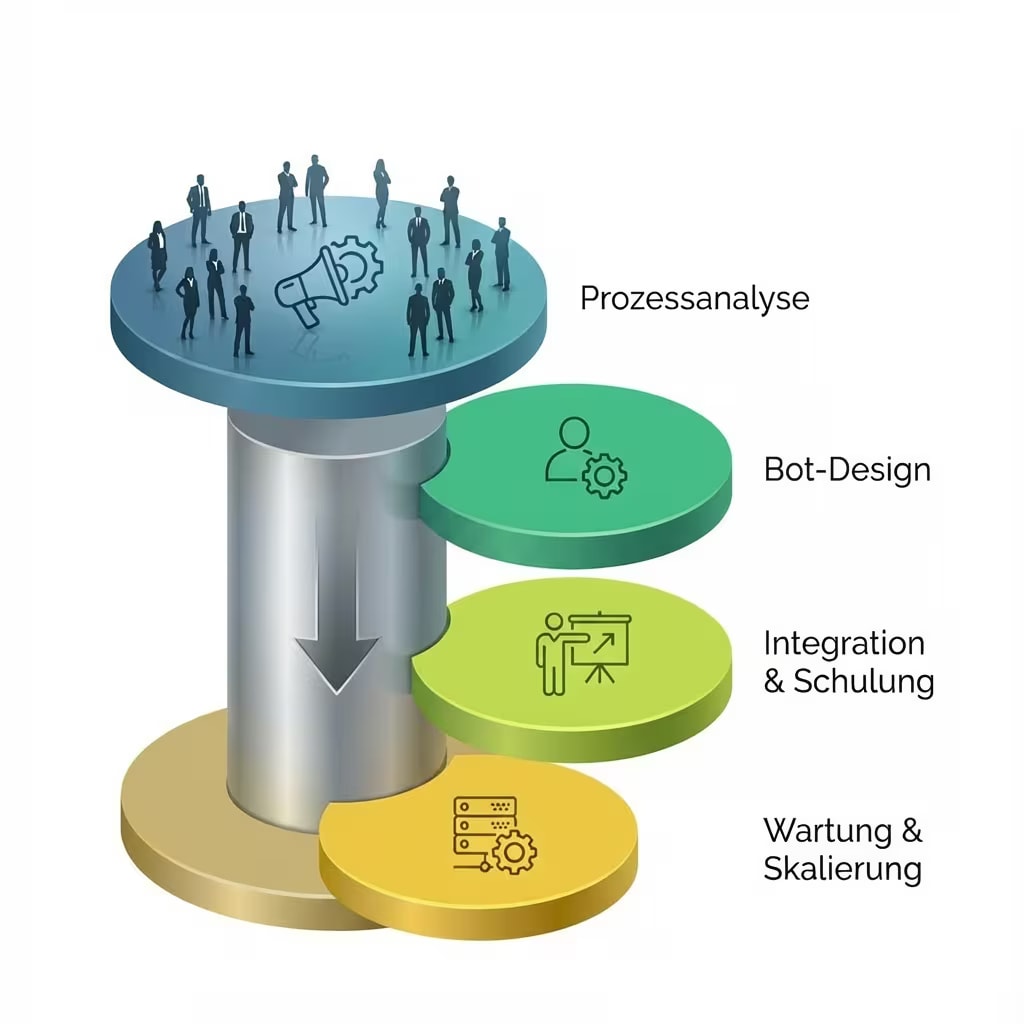
Accounts payable: OCR, approvals & ERP
Automated AP for wholesale: PDFs and scans are classified, extracted, approved, and posted to the ERP—with queues and an audit trail. See the case study and ERP context under ERP for SMEs.
Related: ERP for SMEs · ERP glossary entry
Highlights
Technologies

Become our next success story
Tell us about your initiative—we map relevant references, architecture, and economic levers in a direct conversation: strategy, technology, and next steps from one partner (Made in Germany, Leer/East Frisia).
Björn Groenewold – Managing Director
Book a consultation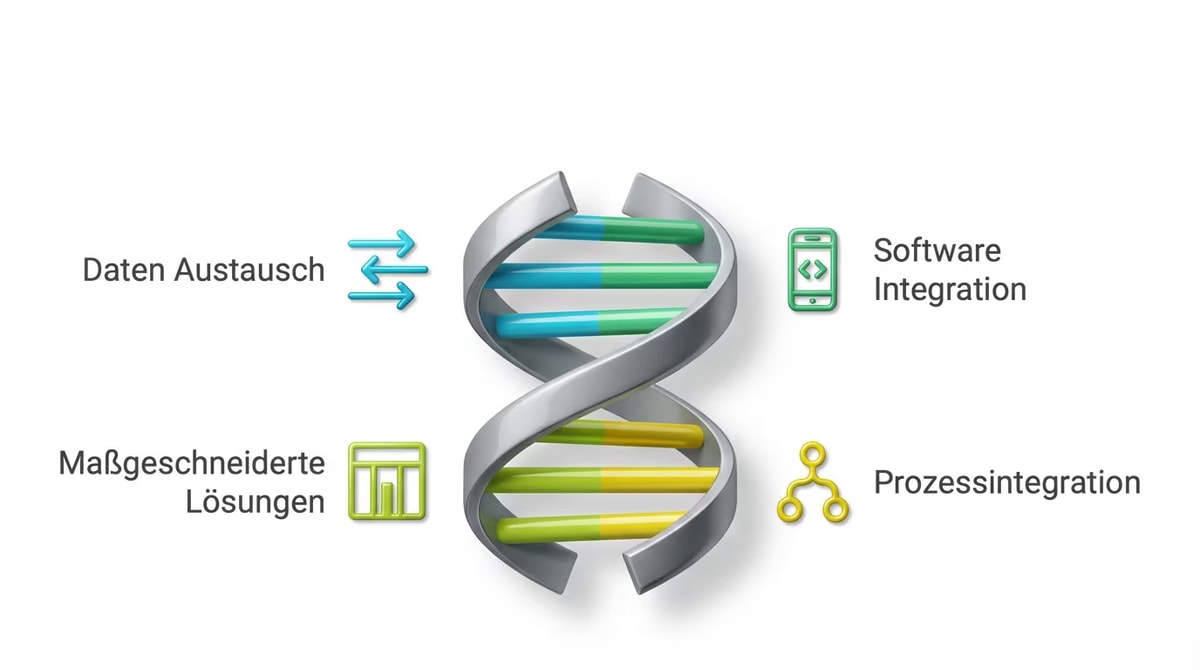
Sales: lead routing & CRM
Central lead intake for B2B software: sources are normalised, leads are routed by rules, and stored in the CRM without duplicates—including notifications and SLA monitoring. Aligned with B2B CRM solutions and API integration.
Related: B2B CRM · API integration
Highlights
Technologies
Hybrid automation
Four case studies with n8n & UiPath
These four reference projects combine n8n for the API and cloud world with UiPath for the last mile into systems without an interface. In mid-sized companies with grown IT landscapes, this bridge is often the real value contribution—complementing our automation services and the RPA vs. API integration comparison.
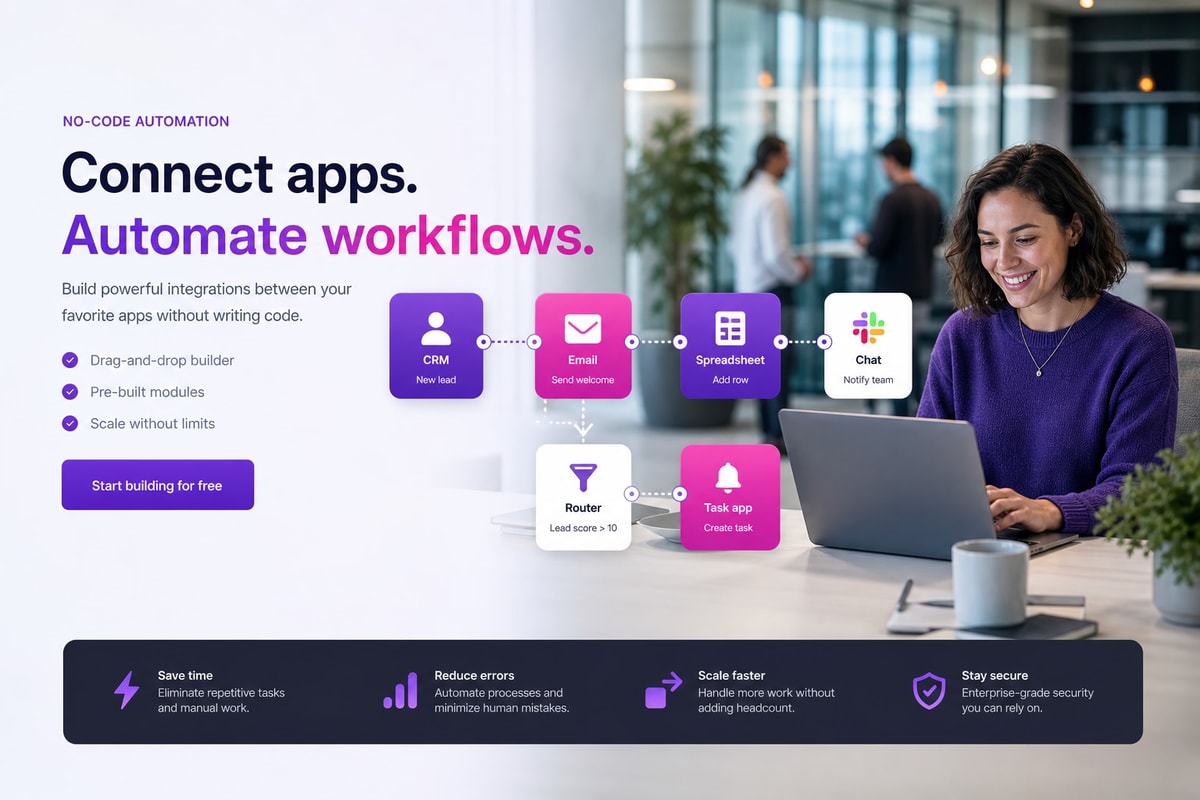
Automating accounts payable with n8n & UiPath
n8n orchestrates email intake, OCR, validation, and approvals; UiPath posts the verified data into an ERP without an API via the desktop screen.
Related: ERP for SMEs
Highlights:
Technologies:
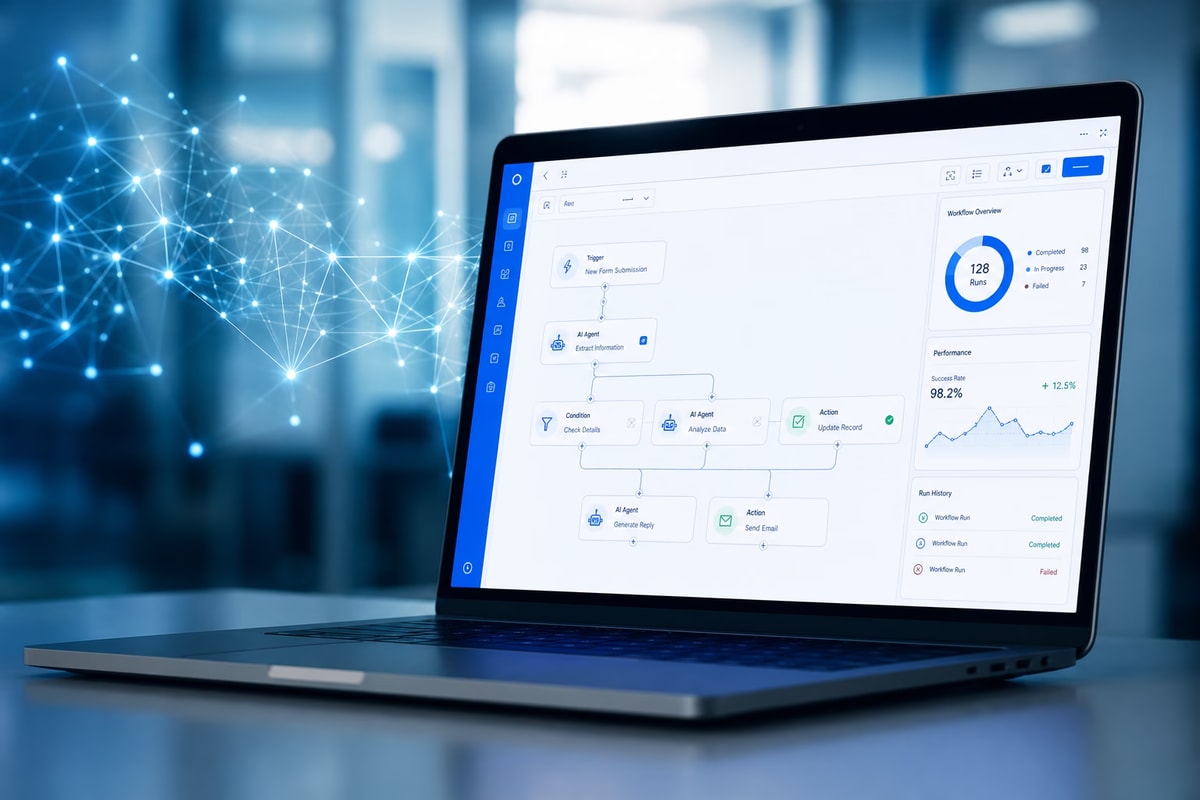
Employee onboarding with n8n & UiPath
An HR trigger starts provisioning: n8n creates API-capable accounts, UiPath sets up access in legacy systems without an interface.
Related: Software development
Highlights:
Technologies:
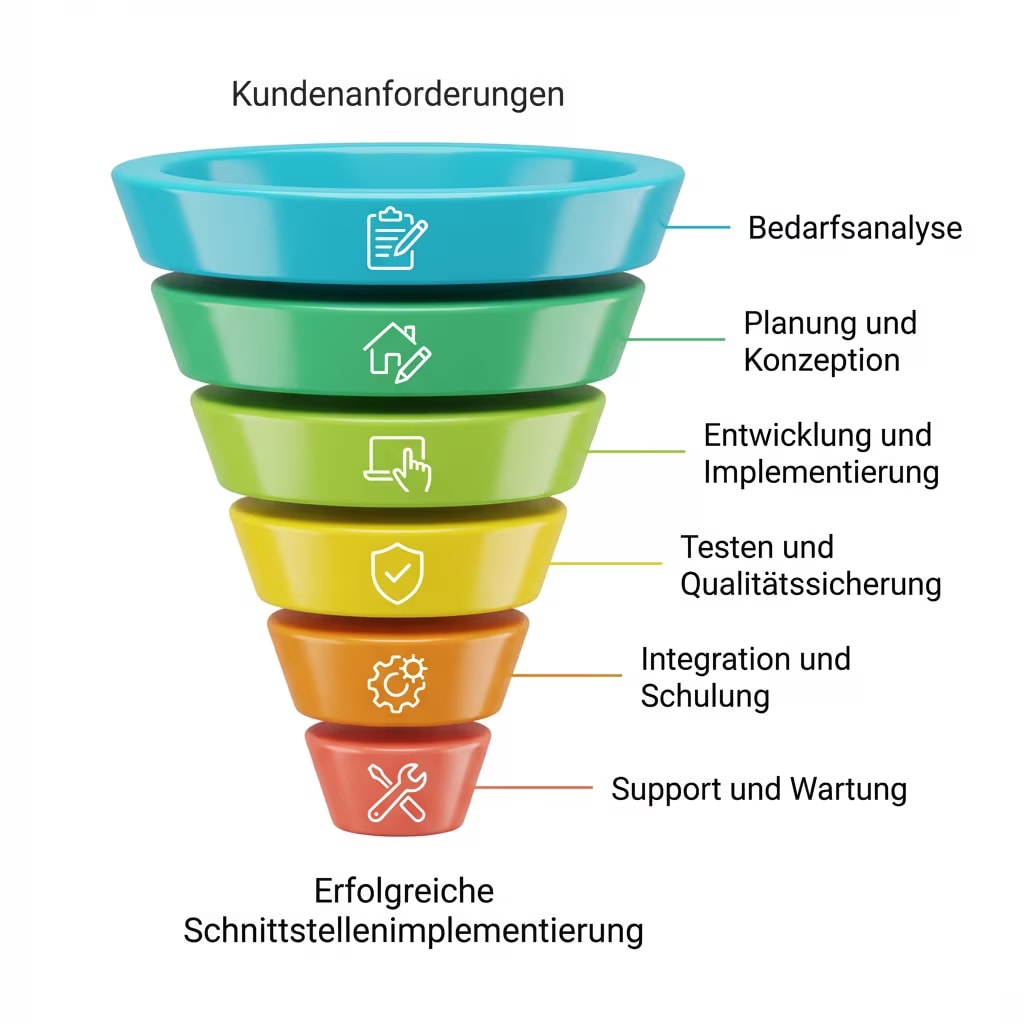
Lead enrichment & CRM sync with n8n & UiPath
n8n collects, enriches, and scores leads; UiPath syncs with a desktop CRM without an open API and pulls reports back.
Related: B2B CRM
Highlights:
Technologies:
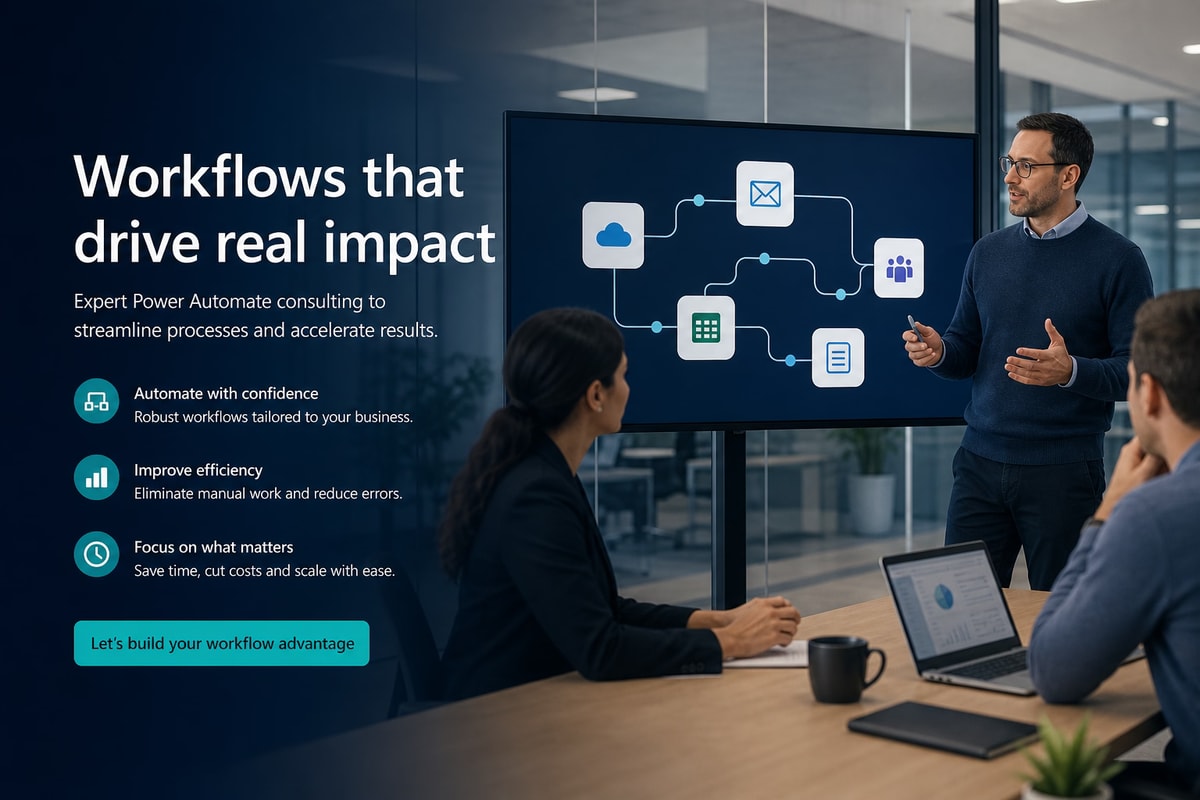
Reporting & master-data sync with n8n & UiPath
n8n drives schedule and API sources; UiPath pulls raw data from bank and supplier portals without an API and writes corrected master data back.
Related: API integration
Highlights:
Technologies:
Pure n8n & UiPath projects
When one tool is enough
Not every project needs both worlds. Where all systems offer APIs, n8n alone is enough; where only interface-less screens exist, UiPath solves the task via RPA. These four references show both cases—complementing the RPA vs. API integration comparison and our automation services.
Orchestrating e-commerce orders with n8n
Pure API automation: shop webhook, warehouse and carrier APIs, tracking write-back, and automatic status emails—no RPA.
Related: Online shop costs
Highlights:
Technologies:
AI-assisted support ticket triage with n8n
LLM classification, prioritisation, and routing via the helpdesk API; knowledge articles and reply drafts via RAG—human in the loop.
Related: Artificial intelligence
Highlights:
Technologies:
Data migration between legacy systems with UiPath
Pure RPA migration: reading, validating, mapping, and entering via the UI of two systems without an API—with a reconciliation report.
Related: Legacy modernization
Highlights:
Technologies:

Bank reconciliation & statements with UiPath
Daily statement download from the bank portal, rule-based matching, and posting in desktop accounting without an API—clarification cases handled separately.
Related: References: CRM & finance
Highlights:
Technologies:
Knowledge & answers
Frequently asked questions about automation references
Getting started & business value
What do these automation references tell us about your delivery practice?
When does custom automation beat spreadsheets or ad-hoc macros?
As soon as several people repeat the same steps, ERP or CRM interfaces are involved, or auditors expect traceable events, spreadsheets rarely scale. We often start with a bounded subprocess (proof of concept), measure effort and error rates, and only then scale. That keeps budget controllable and benefits demonstrable.
How do you prioritise processes when multiple departments are involved?
We map data flows and ownership, size bottlenecks roughly (frequency, risk, dependency on ERP/CRM), and propose an order. Finance and sales are frequent first levers because OCR, approvals, and routing pay off quickly. The outcome is a roadmap—not an endless wish list.
Which KPIs work well to evaluate automation objectively?
Why are not all automation projects visible as public references?
Many customers require confidentiality: internal process logic, commercial terms, or system landscapes should not be public. The case studies published here are released with explicit customer consent. In a personal conversation we can share additional examples aligned to your industry and use case without exposing confidential details.
Technology, ERP & compliance
Which ERP and CRM systems do you typically integrate?
We stay vendor-neutral via REST APIs, webhooks, and file formats. The reference projects used ERP connections and CRM APIs; specific vendor names are clarified under NDA. The goal is always a stable interface that respects your landscape—engineered Made in Germany from Leer/East Frisia.
Can OCR and cloud components be used in a GDPR-compliant way?
Yes, when purpose, data-processing agreements, and storage locations are defined properly. Depending on sensitivity we recommend EU regions, pseudonymisation, or on-premise OCR. In the projects described we focus on traceable logs and access models so privacy and audit expectations are met in daily operations.
How do you handle errors, retries, and monitoring?
Automation needs operations discipline: queues, retries for transient API failures, notifications to owners, and logs or dashboards for IT. That way stuck invoices or leads surface before business teams notice—a core theme in both reference write-ups.
How do you test and accept interface and workflow changes?
We separate development, test, and production environments, use representative test data or anonymised samples, and define acceptance criteria jointly with business and IT. For ERP and CRM APIs, sandbox tenants or limited pilot groups are often sensible before switching on the full live traffic.
Do we need dedicated servers or special infrastructure for OCR and workflows?
It depends on volume, latency, and compliance. Smaller volumes often run well in managed cloud; high throughput or strict policies may favour on-premise or dedicated resources. We avoid over-provisioning: start scalable, measure load, and expand instead of buying large fixed capacity up front.
Collaboration & next steps
Where do engineering and workshops happen—on-site, hybrid, or remote?
Coordination and delivery are predominantly Germany-based (Leer/East Frisia), complemented by structured remote sessions. Process and integration workshops can run on-site or digitally—depending on team distribution and compliance rules.
What happens after the first contact?
After a short workshop or discovery call we return structured feedback: feasibility, rough phases, risks, and optionally a proposal for a proof of concept. Implementation starts once goals and interfaces are clear—while named contacts stay accountable throughout.
Can existing RPA or low-code flows be integrated or replaced?
Often yes: we wrap legacy flows via APIs, migrate gradually, or run parallel transition phases so day-to-day operations do not stop. Whether to extend or replace depends on stability, licence cost, and maintainability—we decide that transparently in the project.
Do you provide operations, monitoring, and ongoing development after go-live?
Yes, if requested: we define service windows, escalation paths, and responsibilities together with your IT. Typical patterns are small release cycles for rule changes, queue monitoring, and triage of error classes. That keeps automation from stalling when tax rates, vendor masters, or sales channels change.
How do you handle NDAs, access, and collaboration with our system administrators?
We work with least-privilege technical users, documented access paths, and—where required—NDAs and GDPR Article 28 agreements. Remote access uses channels you approve (VPN, bastion, restricted IPs). The goal is you retain control of your systems while we deliver reproducible changes instead of undocumented one-off tweaks.